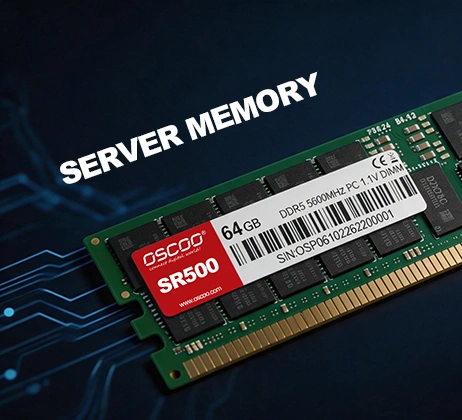
For most new enterprise servers, DDR5 ECC RDIMM is currently the option worth prioritizing. It offers a good balance of memory bandwidth, data reliability, capacity expansion, and enterprise application requirements. For servers that still use DDR4, continuing to use compatible DDR4 ECC RDIMMs may be more cost-effective, as long as the existing platform meets business needs. However, there is no single type of RAM that is best for every server. The right choice depends on the server’s processor platform, motherboard compatibility, workload, memory capacity requirements, performance needs, and budget.
Important Performance Factors
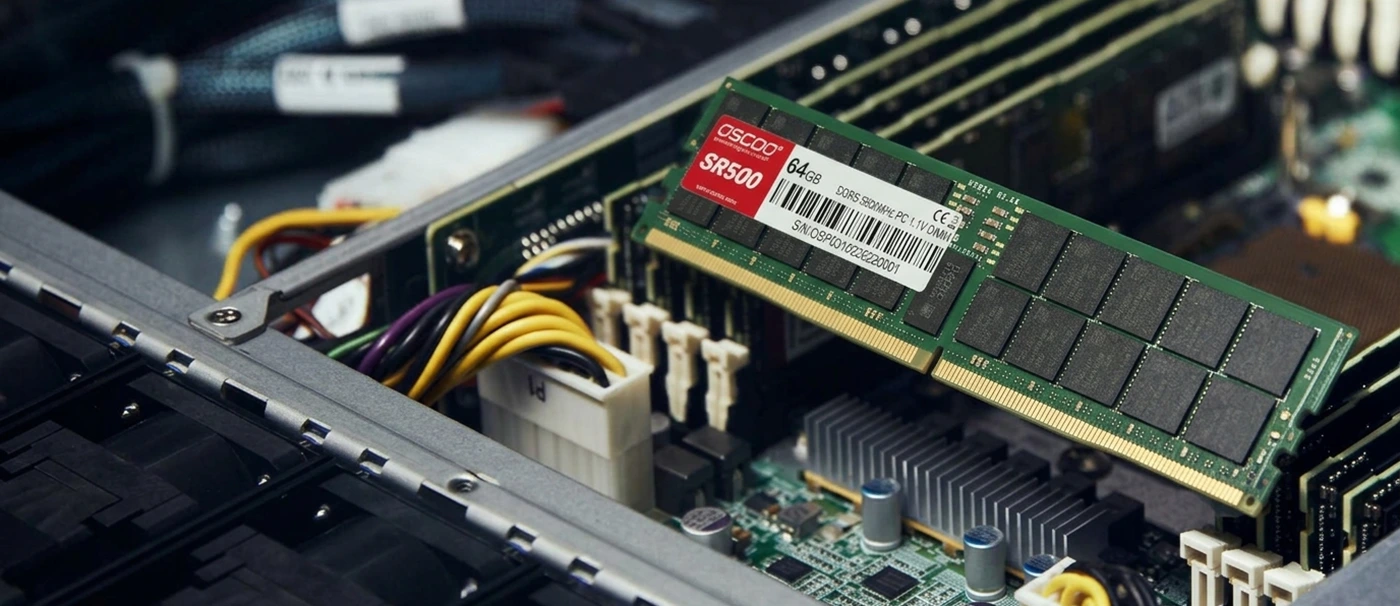
When choosing server RAM, you should look beyond memory capacity and the advertised operating speed. Memory performance depends on several factors, including capacity, data transfer rate, error detection and correction, access latency, and the number of CPU memory channels. These factors directly affect how efficiently a server processes data, how many applications it can run at the same time, and how stable it remains during long periods of operation.
Memory capacity determines how much active data a server can store and process at the same time. For servers, having enough RAM not only reduces the need to access hard drives or SSDs frequently, but also provides enough working space for database caches, virtual machines, and concurrent applications. Memory needs vary greatly from one workload to another. For example, a standard web server may need only a few dozen GB of RAM, while a large database or virtualization server may require hundreds of GB or even several TB.
Memory frequency and data transfer rate affect how quickly data moves between the CPU and RAM. Server memory data transfer rates are usually measured in MT/s (million transfers per second). The higher the data transfer rate, the greater the theoretical memory bandwidth. Higher memory bandwidth is often valuable for databases, scientific computing, and AI data processing tasks that frequently read large amounts of data.
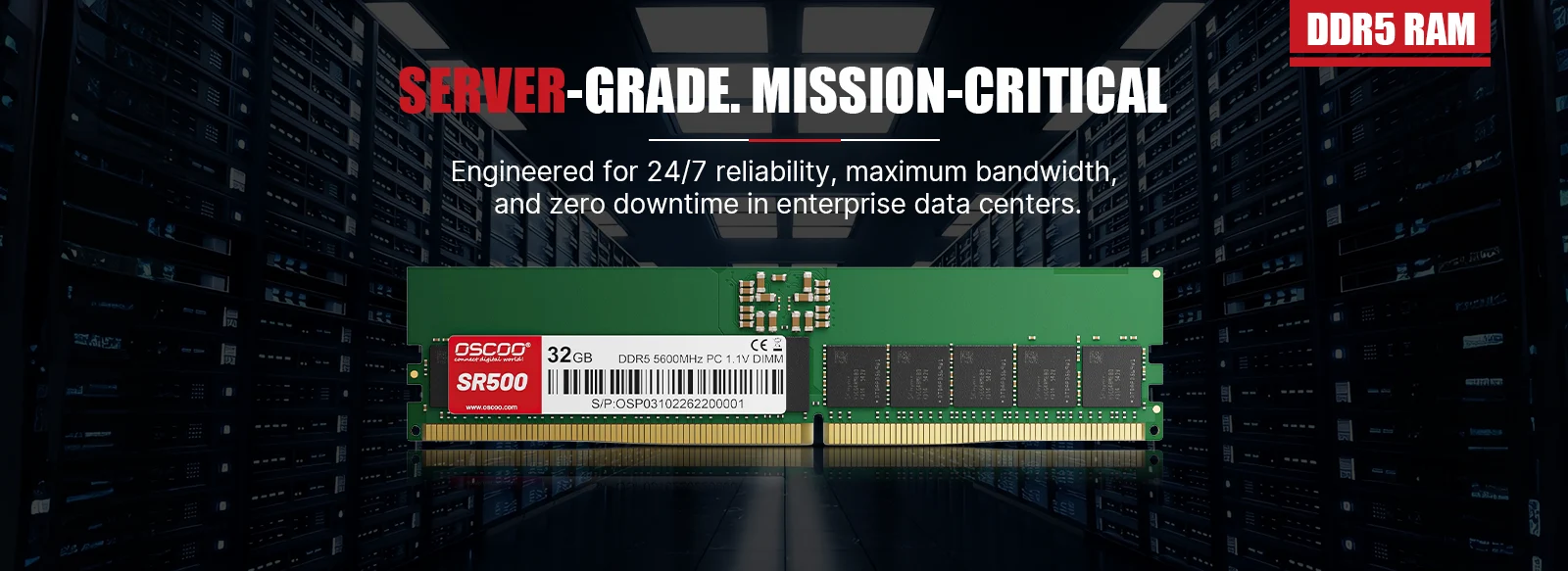
Error-Correcting Code (ECC) is an important technology for improving server memory reliability. Servers need to run for long periods and often handle databases, virtual machines, enterprise applications, and critical business data. Random bit errors can occur while data is stored in or transferred through memory. If these errors are not detected and handled in time, they may cause application errors, system crashes, or data corruption. ECC memory uses additional check information to detect and correct certain types of errors. Common ECC solutions can correct single-bit errors and detect some multi-bit errors. When choosing server RAM, it is recommended to prioritize ECC RDIMMs supported by the platform.
Memory latency is the time the CPU waits for the requested data to return after making a memory access request. It is commonly assessed using CL (CAS Latency). With other conditions being similar, lower latency usually means the CPU spends less time waiting for memory data. Memory latency can affect overall response times for database queries, real-time data processing, and some latency-sensitive applications. For other workloads, however, higher memory bandwidth or greater capacity may matter more than simply lowering the CL value.
Number of memory channels. A memory channel is an independent path for data transfer between the CPU and memory. The number of channels directly affects the server’s theoretical memory bandwidth. With other conditions being equal, more memory channels usually mean higher memory bandwidth. It is also important to install DIMMs according to the CPU’s memory channel architecture. Otherwise, the server will not be able to make full use of the theoretical bandwidth available across all channels.
What RAM Should You Choose for Different Server Workloads?
Different servers perform different tasks, so their requirements for memory capacity, speed, latency, and reliability also vary. When choosing RAM, first identify the server’s primary purpose, then select memory specifications that match the workload.
Web Servers – DDR5 ECC RDIMM
Web servers mainly handle website requests, run web applications, and provide API services. Their memory requirements usually depend on website traffic, the number of concurrent connections, application architecture, and caching strategy. For a standard business website or a small to medium-sized web application, 32–64GB of memory can be used as an initial planning range. If the server needs to run multiple application services, caching systems, or high-concurrency workloads, it may need 128GB or more. DDR5 ECC RDIMMs are recommended. Pay particular attention to the following:
- Whether memory capacity can meet the needs of concurrent requests.
- Whether memory bandwidth can support the application’s data access needs.
- Whether ECC can improve reliability during long periods of operation.
- Whether the memory configuration can support future business growth.
File Storage and NAS Servers – ECC UDIMM or ECC RDIMM
File storage servers and NAS systems are mainly used to store, share, back up, and manage data. Their memory requirements usually depend on the storage system, number of files, caching strategy, and level of concurrent access. A standard file-sharing server may need only 16–32GB of memory. Storage systems such as ZFS, which use memory caching and data integrity checks, may require more. Choose ECC memory supported by the platform. This may be ECC UDIMM or ECC RDIMM. When making your choice, focus on:
- Whether memory capacity can meet file caching and storage service requirements.
- Whether ECC can reduce the impact of memory errors on data processing.
- Whether the memory supports long-term operation and stable data access.
- Whether it works with storage architectures such as RAID and ZFS.
Database Servers – DDR5 ECC RDIMM
Databases are among the most memory-intensive types of services. Whether they use PostgreSQL, MySQL, or SQL Server, they try to keep frequently used data and indexes in memory so that every query does not have to read from disk. A useful rule of thumb is to provide enough memory to hold at least the database’s working set. Small business databases may start at 64–128GB, medium-sized databases may need 256GB to 1TB, and large analytics databases may require several TB. DDR5 ECC RDIMMs are recommended. Pay particular attention to:
- Enough memory capacity to hold the database cache and working set.
- Reasonable memory latency to improve the performance of some queries and transactions.
- High memory bandwidth to support concurrent data access.
- ECC functionality to improve reliability during data processing.
- A balanced memory channel configuration to make full use of CPU bandwidth.
Virtualization Servers – High-Capacity DDR5 ECC RDIMM
Virtualization servers can run multiple virtual machines on a single physical server, so they usually need a large amount of memory. For example, if a server runs 20 virtual machines and allocates 16GB of memory to each one, the total memory allocated to the virtual machines is 320GB. You must also account for the memory used by the host and leave enough headroom. For virtualization servers, capacity is usually more important than simply pursuing the highest memory frequency. If memory capacity is insufficient, using high-frequency RAM will not effectively solve the problem of insufficient resources for virtual machines. High-capacity DDR5 ECC RDIMMs are recommended. Pay particular attention to:
- Sufficient physical memory capacity.
- A balanced configuration across multiple memory channels.
- DIMM slots and a CPU platform that support future expansion.
- ECC functionality and reliability during long periods of operation.
- Memory bandwidth when multiple virtual machines are running at the same time.
High-Performance Computing Servers – High-Bandwidth DDR5 ECC RDIMM
High-performance computing (HPC) servers are mainly used for scientific computing, engineering simulations, weather analysis, molecular modeling, and large-scale mathematical calculations. These applications often require the CPU to read and process large amounts of data in a short time. As a result, they have high requirements for memory bandwidth, capacity, and latency. Depending on platform support, high-bandwidth DDR5 ECC RDIMMs are recommended. MRDIMMs may also be worth considering. Pay particular attention to:
- The number of memory channels supported by the CPU.
- The actual operating speed supported by the memory modules.
- Whether higher-capacity DIMMs are needed.
- Whether the application is sensitive to memory bandwidth.
- Compatibility between the processor and MRDIMMs.
AI Servers – High-Capacity DDR5 ECC RDIMM
AI servers are mainly used for AI model training, inference, data preprocessing, and model deployment. They often need to process large amounts of data at the same time and may be equipped with multiple GPU accelerators. When choosing memory for an AI server, do not focus only on CPU memory. You also need to consider GPU memory and data transfer between the CPU and GPUs. CPU memory is mainly used for the operating system, data loading, preprocessing, and some model-running tasks. GPU memory stores the data that needs to be accessed quickly during GPU computing. Depending on platform support, high-capacity DDR5 ECC RDIMMs are recommended. MRDIMMs can also be considered for applications that require intensive memory bandwidth. Pay particular attention to:
- Whether CPU memory capacity meets the needs of data preprocessing and model deployment.
- Whether GPU memory capacity meets the requirements for running the model.
- Whether CPU memory bandwidth can support data loading.
- Data transfer capabilities between the CPU and GPUs.
- Whether high-bandwidth memory technology is needed.
DDR4 or DDR5?
DDR4 and DDR5 are two different generations of memory standards. DDR5 is an important option for newer server platforms. It brings improvements in data transfer rates, memory bandwidth, and power management. For businesses planning to build new servers, DDR5 is generally the better option to prioritize. However, for businesses that already have DDR4 servers, continuing to use DDR4 can still be cost-effective if the existing hardware meets business needs.
Key Advantages of DDR5
Higher memory bandwidth. DDR5 supports higher data transfer rates and can provide greater theoretical memory bandwidth for multi-core CPUs and parallel computing tasks. This is especially important for workloads such as databases, big data analytics, and high-performance computing.
Improved memory architecture. DDR5 DIMMs have two independent 32-bit data subchannels, which help improve memory access efficiency and make better use of resources in some concurrent access scenarios.
Better power management. DDR5 integrates the power management integrated circuit (PMIC) on the memory module, allowing the module to manage power more directly.
A better fit for next-generation server platforms. Newer Intel Xeon and AMD EPYC server platforms have widely adopted DDR5, giving businesses higher memory bandwidth and more room to expand memory capacity.
Which Servers Are Still Suitable for DDR4?
DDR4 has not lost its practical value just because DDR5 has become more widely used. If a business’s servers support only DDR4, choosing compatible DDR4 ECC RDIMMs is usually more cost-effective than replacing the entire server platform. DDR4 is still worth considering in the following situations:
- The existing server still meets business performance requirements.
- The server motherboard and processor support only DDR4.
- The business wants to control short-term hardware upgrade costs.
- The applications do not have high memory bandwidth requirements.
- The server is relatively close to its planned retirement date.
Note that DDR4 and DDR5 have different physical interfaces and electrical specifications, so they cannot be used interchangeably.
What to Consider When Choosing Server RAM?
- CPU compatibility. Different processors may support different memory standards, maximum capacities, numbers of channels, and operating speeds. Check the specific model using Intel ARK, AMD’s official product specifications, or technical documents from the server manufacturer.
- Motherboard compatibility. The server motherboard determines which types of memory modules can be used and how the memory slots and channels are connected. Before buying, check the motherboard manual or server specifications to confirm the supported memory standards and module types.
- Memory speed and number of slots. The actual memory speed of a server is not necessarily the maximum speed stated on the memory module. The processor model, DIMM type, number of ranks, and number of modules installed per memory channel can all affect the final operating speed. If the workload needs higher memory bandwidth, prioritize balanced use of all memory channels rather than simply filling every DIMM slot.
- Memory capacity and room for expansion. Server memory must meet current business needs, but future growth should also be considered. If you may need to expand memory later, check when choosing the server whether the CPU and motherboard support the required capacity. Planning room for memory expansion in advance is usually more convenient than replacing the entire set of memory modules later.
- Memory consistency. Consistency in a server’s memory configuration affects compatibility and performance. In the same server, it is recommended to use memory modules with matching specifications wherever possible and install them according to the motherboard manual. Mixing modules with different specifications may prevent the system from starting, cause it to automatically lower the operating speed, or prevent it from achieving the best memory bandwidth.
For most new enterprise servers, DDR5 ECC RDIMMs are an option worth prioritizing because they meet modern servers’ overall needs for performance, reliability, and expandability. However, there is no one-size-fits-all formula for choosing server memory. You need to consider the server’s purpose, CPU and motherboard compatibility, memory capacity, data transfer rate, ECC functionality, latency, and number of memory channels. Ultimately, the best server RAM is not necessarily the product with the largest capacity or highest operating speed. It is the memory that is fully compatible with the server hardware and provides sufficient performance, reliability, and room for expansion under the actual workload.