Yes, you can absolutely use SSDs for NAS storage. SSDs are widely adopted in modern NAS systems for better performance and stability. You can deploy SSDs as full storage drives, system disks, or cache drives to accelerate traditional HDD storage pools. For most home and small office users, a hybrid SSD+HDD setup delivers the best balance of speed, cost, and reliability, while all-SSD NAS works for high-performance workloads.
Common Ways to Use SSDs on NAS
SSD as System and App Disk
SSD as Acceleration Cache
Cache Mode | Required SSD Quantity | Data Security | Core Function | Best For |
|---|---|---|---|---|
Read-Only Cache | 1 or more | High. SSD failure causes no original data loss | Accelerates frequent random file reading | Photo browsing, media library indexing, document sharing |
Read-Write Cache | Minimum 2 (RAID 1 recommended) | Medium. Risk of unsaved data loss during sudden power outages | Boosts both read and write performance for hot data | Multi-user concurrent access, databases, virtual machines |
All-SSD NAS Storage
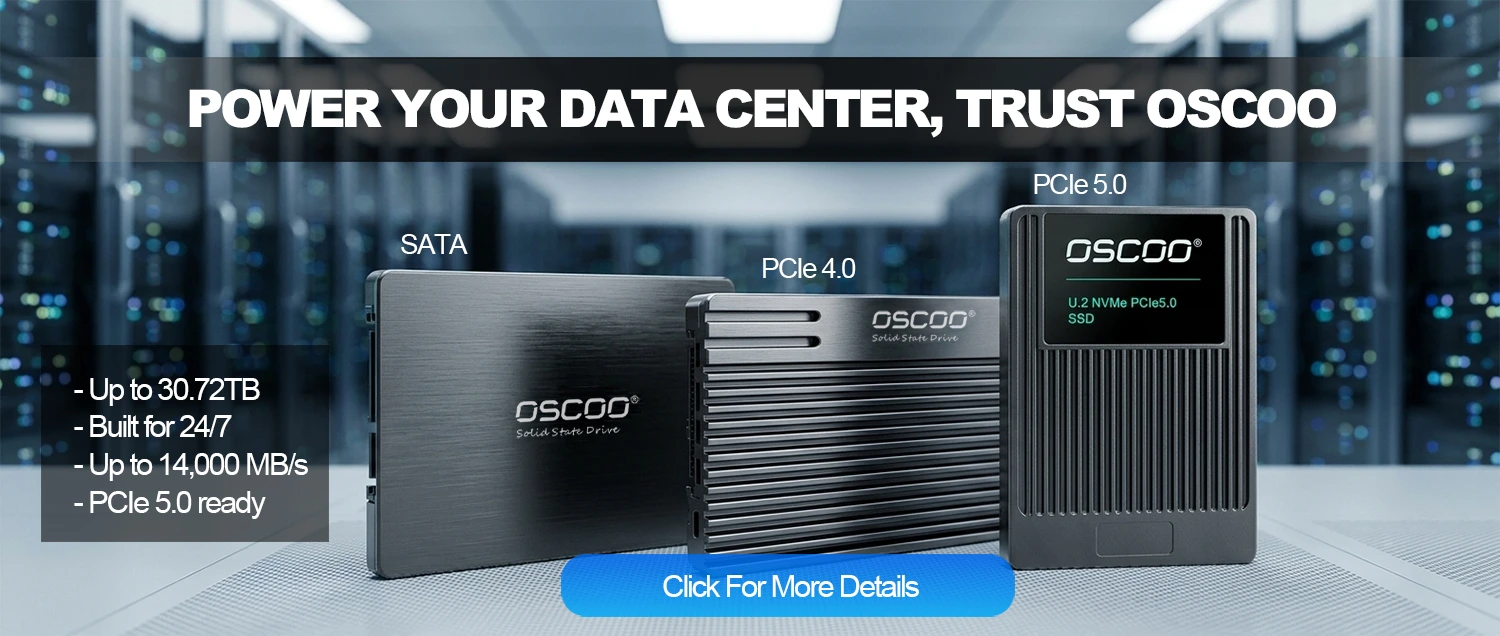
Key Advantages of SSD for NAS
Superior Overall Performance
Quieter, Lower Power and Less Heat
Better Physical Reliability and Higher Density
Limitations of Using SSD for NAS
Higher Per-Terabyte Cost
Driven by the surge in AI computing power demand, as of the first quarter of 2026, the price of enterprise-grade 30TB TLC SSDs has reached 16.4 times that of equivalent-capacity HDDs, while 30TB QLC SSDs are as high as 22.6 times. For users who need tens of terabytes of cold data storage such as movie libraries and monitoring recordings, pure SSD solutions will lead to significantly higher overall investment, which is the main barrier to full-SSD popularization for home users.
Finite Write Lifespan
Offline Data Retention Risk
Network Speed Bottleneck Restrictions
Best Practices for NAS SSD Deployment
Choose NAS or Enterprise-Grade SSDs. Avoid consumer-grade SSDs for long-term NAS operation. Professional NAS SSDs feature enhanced endurance, power-off protection capacitors, optimized firmware for continuous writing, and end-to-end data verification, which effectively reduce the probability of data errors and sudden drive failure under 7×24-hour operation.
Enable TRIM and Reserve Over-Provisioning Space. Write amplification severely consumes SSD lifespan. Enabling the official SSD TRIM function in the NAS storage manager can recycle invalid data blocks, reduce write amplification, and sustain stable performance. Reserving about 10% over-provisioning space further improves garbage collection efficiency and extends SSD service life.
Standardize Data Protection Mechanisms. If using read-write cache, equip the NAS with a UPS uninterruptible power supply to avoid data loss caused by sudden power cuts. Always follow the 3-2-1 backup rule for important data and do not rely solely on a single SSD for storage. For long-term archived cold data, make additional backups to HDDs or offline storage media.
Control Operating Temperature. NVMe SSDs generate obvious heat during high-speed reading and writing. Sustained high temperatures will accelerate flash memory aging. It is recommended to monitor SSD temperature through the NAS system and keep the long-term operating temperature below 55°C. For multi-drive all-SSD NAS, ensure good chassis heat dissipation and air duct design.
When to Use SSD NAS
Suitable Scenarios
- Home and office environments requiring silent, low-power long-term operation
- Frequent access to small files, documents, photos, Docker apps, and virtual machines
- 10G high-speed network environments requiring large file transmission and online video editing
- Space-limited scenarios needing compact mini NAS devices
- Small teams with multi-user concurrent data access demands
Unsuitable Scenarios
- Massive cold data storage such as film and television resources and long-term monitoring records
- Budget-limited scenarios pursuing the lowest per-TB storage cost
- Pure gigabit network environments with no high-speed transmission demand
Conclusion
SSDs are a compelling upgrade for any NAS, dramatically improving system responsiveness and random access performance. Yet there is no universal answer—the optimal configuration hinges on your network environment, data volume, and budget. For the vast majority of home and small-office users, a hybrid setup (SSD for system/cache + HDDs for bulk storage) offers the best price-to-performance ratio.