In 2026, enterprise SSDs are shaped by new technologies, shifting workload demands, and even supply chain changes that impact costs. Gone are the days of buying enterprise SSDs based solely on capacity or price. This guide aims at helping you make an informed decision when choosing enterprise SSDs in 2006 by breaking down everything you need to know in plain, detailed terms.
What’s New in 2026?
2026 is a pivotal year for enterprise SSDs, with several key trends reshaping the market. First, price increases have become a major factor: due to NAND flash supply shortages and skyrocketing demand from AI and big data applications, enterprise SSD contract prices rose by over 50% in 2025, and the upward trend continues in Q1 2026. For example, a 30TB TLC enterprise SSD, which cost around $3,062 in Q2 2025, now ranges from $9,000 to $11,000—a staggering 257% increase. This gap between SSD and HDD costs has also widened significantly: SSDs now cost roughly 16 times more upfront than HDDs, though their long-term value often makes them worth the investment for the right workloads.
Another major shift is the mainstream adoption of PCIe 5.0, which has replaced PCIe 4.0 as the standard for high-performance enterprise deployments. Meanwhile, PCIe 6.0 is starting to enter early testing phases, though it won’t be widely available for most users in 2026. Capacity has also seen explosive growth: enterprise SSDs now range from 480GB to 30.72TB per unit, with some vendors like Solidigm shipping 122TB QLC drives and Samsung announcing 1PB CXL modules. Finally, the EDSFF form factor (specifically E1.S and E3.S) is rapidly replacing the traditional 2.5-inch U.2 in high-density data centers, offering 2 to 5 times more drive density per server unit.
Cutting-Edge Technologies in 2026
Several new technologies are shaping enterprise SSDs in 2026. The most notable ones are QLC/PLC flash, CXL, EDSFF, and advanced features like hardware compression.
- QLC (4-bit per cell) flash has improved significantly in 2026, delivering 90% of the performance of TLC flash while offering much higher capacity. It’s now the go-to for read-intensive workloads, as it’s more cost-effective than TLC.
- PLC (5-bit per cell) flash is set to launch in late 2026, offering 25% more capacity than QLC—perfect for high-density archives.
- CXL (Compute Express Link) is a game-changer for memory-storage convergence; CXL 3.0 offers 64 GB/s bandwidth and allows SSDs to act as persistent memory extensions, reducing data movement latency by up to 50%—critical for AI workloads.
- EDSFF, as mentioned earlier, is replacing traditional form factors in data centers, offering higher density and better cooling.
- Advanced features like hardware compression (up to 4:1 ratio) let you get more capacity from your drive without sacrificing performance, while NVMe over TCP allows high-performance storage over standard Ethernet, reducing the cost of Fibre Channel.
Key Specifications to Understand
When shopping for an enterprise SSD, understanding a few core specifications will help you avoid overpaying for features you don’t need or buying a drive that can’t handle your workload. Below, we break down the most important ones in simple terms.
Interface: The Backbone of Performance
The interface is how the SSD connects to your server or storage system, and it directly impacts speed, latency, and compatibility. Think of it as the “highway” for data to travel between the drive and your computer—wider, faster highways mean quicker data transfer. For 2026, PCIe 5.0 NVMe is the sweet spot for most performance-driven enterprise needs, though older interfaces like SATA and SAS still have their place in specific scenarios.
| Interface | Max Bandwidth | Latency | Best For |
|---|---|---|---|
| PCIe 5.0 x4 NVMe | 32 GB/s | <100µs | AI/ML, HPC, databases, virtualization |
| PCIe 4.0 x4 NVMe | 16 GB/s | 100-200µs | General enterprise, cloud, VDI |
| SAS 4.0 | 22.5 GB/s | 200-300µs | Legacy systems, storage arrays |
| SATA 3.0 | 6 Gb/s | 500-1000µs | Read-intensive tasks, boot drives, cost-sensitive setups |
| CXL 2.0/3.0 | 64 GB/s (x8) | <50µs | Memory expansion, AI caching |
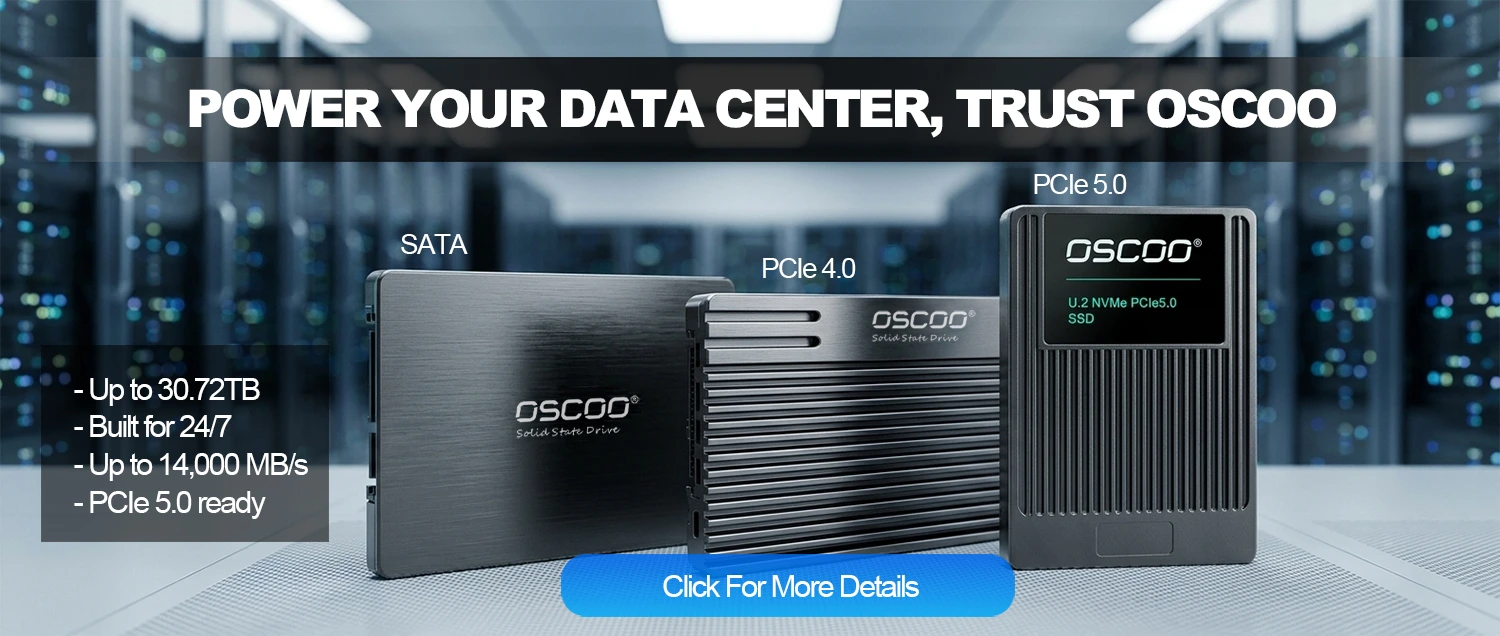
For new deployments in 2026, PCIe 5.0 NVMe is the minimum recommendation if you need high performance. It offers double the bandwidth of PCIe 4.0, with sequential read speeds exceeding 14,000MB/s—critical for data-heavy tasks like AI training and 8K video editing. If you’re working with older servers that don’t support PCIe 5.0, PCIe 4.0 is still a solid choice, offering a good balance of performance and value.
Form Factor: Balancing Density and Compatibility
Form factor refers to the physical size and shape of the SSD, and it’s important for fitting into your existing hardware or planning for new deployments. In 2026, the biggest shift is toward EDSFF, which is designed specifically for data centers needing to pack more storage into less space. However, traditional form factors like 2.5-inch U.2 and M.2 are still widely used, especially for legacy systems or edge computing.
| Form Factor | Dimensions | Capacity Range | Best For |
|---|---|---|---|
| EDSFF E1.S | 76.8mm × 25.4mm | 1.92TB-30.72TB | Hyperscale, cloud data centers (high density) |
| EDSFF E3.S | 100mm × 30mm | 3.84TB-61.44TB | AI storage, high-capacity archives |
| 2.5″ U.2 | 100mm × 69.85mm | 480GB-15.36TB | Legacy server upgrades, broad compatibility |
| M.2 22110 | 110mm × 22mm | 512GB-8TB | Edge computing, embedded systems (space-saving) |
Endurance: How Long Will Your SSD Last?
Endurance is how much data you can write to the SSD over its lifetime—a critical factor for enterprise use, where drives are often running 24/7. Two key metrics measure endurance: DWPD and TBW.
DWPD (Drive Writes Per Day) is the number of full drive writes the SSD can handle each day over its warranty period (usually 3 to 5 years). For example, a 7.68TB SSD with 1 DWPD can handle 7.68TB of writes every day for 5 years. TBW (Total Bytes Written) is the total amount of data you can write to the drive before it reaches its endurance limit—for that same 7.68TB SSD, the TBW would be 7.68 × 1 × 365 × 5 = 13,996.8 TBW.
Most enterprise SSDs fall into three categories based on endurance: read-intensive, mixed-use, and write-intensive. Read-intensive drives (0.3-1 DWPD) are best for tasks like web servers or content delivery, where you’re mostly reading data. Mixed-use drives (1-3 DWPD) work well for databases or virtualization, where you have a balance of reads and writes. Write-intensive drives (3-30+ DWPD) are designed for high-write tasks like OLTP systems or AI training, where data is constantly being updated.
Reliability and Data Protection
Enterprise SSDs need to be reliable—downtime or data loss can be costly. Look for these key features to ensure your data stays safe: MTTF (Mean Time To Failure), PLP (Power Loss Protection), SED (Self-Encrypting Drive), and RAID support.
- MTTF is a measure of how long the drive is expected to run without failure; enterprise-grade SSDs should have a minimum MTTF of 2 million hours (about 228 years), which means failures are rare even in 24/7 operation.
- PLP is non-negotiable for mission-critical applications. It uses built-in capacitors to save data in the drive’s cache if there’s an unexpected power outage, preventing data loss.
- SED offers hardware-based encryption (compliant with FIPS 140-3) that doesn’t slow down performance, and it supports instant secure erasure—useful if you need to repurpose or retire the drive.
- Enterprise SSDs are optimized for RAID environments, with advanced error correction (ECC) and wear-leveling algorithms to extend lifespan and prevent data corruption.
Performance Metrics That Matter
Performance metrics tell you how fast the SSD can handle data. The most important ones are 4K random read/write IOPS, sequential read/write speeds, and latency.
- 4K random IOPS measures how many small (4KB) data requests the drive can handle per second—critical for databases or virtualization, where most data requests are small.
- Sequential read/write speeds measure how fast the drive can transfer large files (128KB+), which is important for tasks like big data analytics or video editing.
- Latency is the time it takes for the drive to complete a single I/O operation—lower latency means faster response times. NVMe drives have much lower latency (<100µs) than SATA drives (500-1000µs), which is why they’re better for latency-sensitive tasks.
In 2026, top PCIe 5.0 NVMe drives can reach up to 2.3 million 4K random read IOPS, 1.1 million 4K random write IOPS, and sequential read speeds of up to 14.8 GB/s.
How to Choose Based on Your Workload
The best enterprise SSD for you depends on your workload—not every drive is a one-size-fits-all solution. Start by identifying your workload’s key characteristics: read/write ratio (how much you read vs. write), IO size, concurrency, whether the workload is sustained or bursty, and how sensitive it is to latency. Once you have that, you can match it to the right SSD type.
For example, AI/ML training requires high-capacity drives with fast sequential bandwidth—QLC or PLC drives with PCIe 5.0 and EDSFF form factor are ideal, as they offer large capacity at a reasonable cost. Transactional databases need low latency, high random write IOPS, and good endurance—mixed-use eTLC drives with PLP are a good fit. Virtualization or cloud environments benefit from high-density QLC drives with PCIe 4.0 or 5.0, which balance capacity, performance, and cost. Edge computing needs small, industrial-grade drives that can handle harsh conditions, with wide-temperature support and moderate endurance.
Total Cost of Ownership
When buying an enterprise SSD, it’s not price but the total cost of ownership (TCO) really matters. TCO includes both capital expenditure (CapEx) and operational expenditure (OpEx). CapEx is the purchase price of the drive plus any infrastructure upgrades (like new controllers or cables) needed to support it. OpEx includes power consumption, cooling costs, maintenance, replacement, and software licensing for management tools.
While enterprise SSDs cost 16 times more upfront than HDDs, their 10-year TCO can be 40-60% lower for read-intensive workloads. This is because SSDs use 50-70% less power than HDDs, produce less heat, have a higher MTBF, and offer better performance—meaning you need fewer drives to handle the same workload. For example, a mixed storage architecture (using SSDs for caching and HDDs for long-term storage) can reduce TCO to a quarter of a pure SSD setup over three years. When calculating TCO, use this simple formula: TCO = (CapEx) + (Annual OpEx × Warranty Period) + (Data Migration Costs).
Energy efficiency is also a key factor in 2026—with rising energy costs, drives with better performance per watt can significantly reduce OpEx by lowering power consumption and heat output, easing the burden on cooling systems.
Purchasing Best Practices for 2026
Before making your final purchase, go through this checklist to ensure you’ve covered all the bases.
- Define your workload characteristics—read/write ratio, IO size, concurrency, and latency sensitivity.
- Match your workload to the right SSD type with the correct DWPD rating.
- Select the appropriate interface and form factor based on density and compatibility needs.
- Verify that the drive has essential features like PLP, SED, and an MTBF of at least 2 million hours.
- Calculate the TCO for a 5-year lifespan to ensure it fits your budget.
- Compare 2-3 vendors to find the best price and support.
- Plan for future scalability—choose a drive with enough capacity and performance headroom to handle growing workloads.
Choosing an enterprise SSD in 2026 doesn’t have to be overwhelming. By understanding the market trends, key specifications, workload requirements, and best practices outlined in this guide, you can confidently select a drive that balances performance, reliability, and cost—without relying on guesswork. Remember, the best SSD for you is the one that fits your specific needs, not the one with the most advanced features or the lowest price.