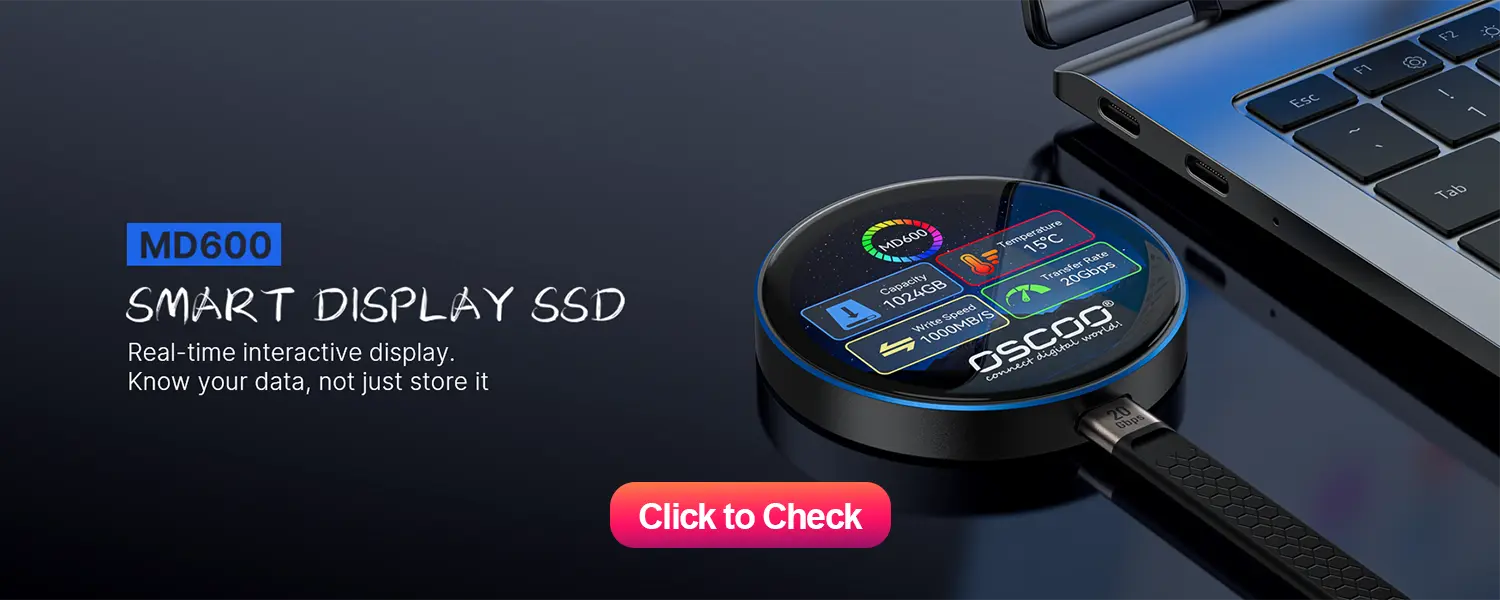
Les disques SSD portables durent généralement 5 à 10 ans dans des conditions normales d'utilisation. Cette durée de vie est principalement déterminée par deux facteurs essentiels : la durée de vie du disque et la durée de vie de la batterie. TBW (téraoctets écrits) et le type d'équipement. Mémoire flash NAND qu'il utilise. La plupart des utilisateurs remplaceront leur SSD portable en raison de l'obsolescence technologique plutôt que d'une défaillance complète du matériel.
Qu'est-ce qui détermine la durée de vie d'un disque SSD portable ?
La durée de vie moyenne de 5 à 10 ans n'est pas arbitraire. Elle est déterminée par quatre facteurs clés qui interagissent pour influencer la durée de fiabilité du lecteur. La compréhension de ces facteurs vous permet d'interpréter les déclarations des fabricants et d'adapter vos habitudes d'utilisation pour une meilleure longévité.
TBW : La métrique de base de l'endurance
Le TBW est la quantité totale de données pouvant être écrites sur un SSD avant que sa mémoire flash NAND ne commence à se dégrader de manière significative. Il s'agit de l'indicateur le plus fiable de l'endurance en écriture d'un disque SSD, car il mesure directement la capacité du disque à gérer les écritures de données au fil du temps. Par exemple, un disque SSD portable grand public de 1 To a généralement un TBW compris entre 120 et 600 TBW. Cela signifie que si vous écrivez quotidiennement 50 Go de données sur le disque - ce qui est courant pour l'édition de photos/vidéos ou les transferts de fichiers réguliers - il vous faudra entre 6,5 et 32 ans pour atteindre la limite TBW. Cependant, la durée de vie réelle est plus courte que les calculs théoriques de TBW en raison d'autres facteurs environnementaux et d'utilisation.
Type de mémoire NAND Flash
La mémoire flash NAND est la puce de stockage qui contient vos données, et sa conception a un impact direct sur l'endurance. Les différents types de flash NAND stockent un nombre variable de bits par cellule, ce qui influe sur le nombre de fois où chaque cellule peut être écrite (mesuré en cycles de programmation/effacement, ou P/E). Vous trouverez ci-dessous une ventilation des types de NAND les plus courants dans les disques SSD portables :
| Type de NAND | Cycles P/E | Cas d'utilisation typique | Niveau d'endurance |
|---|---|---|---|
| SLC (Single-Level Cell) | 100,000+ | Entraînements d'entreprise/industriels | Le plus élevé |
| MLC (cellule à plusieurs niveaux) | 10,000 | Les moteurs de consommation haut de gamme | Haut |
| TLC (cellule à triple niveau) | 500-3,000 | Les moteurs du grand public | Équilibré |
| QLC (Quad-Level Cell) | 150-1,000 | Budget Consumer Drives | De base |
La plupart des disques SSD portables destinés à un usage quotidien utilisent la technologie TLC NAND, qui établit un équilibre entre le coût et l'endurance. Le QLC est de plus en plus courant dans les disques durs économiques, mais son endurance est moindre, tandis que le SLC et le MLC sont rares dans les produits grand public en raison de leur coût plus élevé.

Modèles d'utilisation
L'utilisation que vous faites de votre disque SSD portable a un impact majeur sur sa durée de vie. Intensité d'écriture est le facteur le plus important : l'écriture fréquente de fichiers volumineux (comme le montage vidéo 4K ou les sauvegardes constantes du système) accélère davantage l'usure que les transferts occasionnels de petits fichiers (comme les documents ou les photos). En outre, l'écriture sur un disque presque plein augmente l'"amplification de l'écriture", un phénomène par lequel le disque SSD écrit plus de données que vous n'en avez l'intention pour compenser les cellules pleines. Ce phénomène réduit effectivement le TBW utilisable du disque. Les utilisateurs légers (qui écrivent de 10 à 20 Go par jour) bénéficieront de la durée de vie la plus longue (8 à 10 ans), tandis que les utilisateurs intensifs (qui écrivent plus de 100 Go par jour) n'obtiendront que 3 à 5 ans.
Facteurs environnementaux et matériels
Les disques SSD portables n'ont pas de pièces mobiles, ce qui les rend plus durables que les disques durs portables, mais ils souffrent toujours des contraintes environnementales. La température de fonctionnement optimale est comprise entre 0°C et 70°C (32°F et 158°F) ; des températures soutenues supérieures à 40°C (104°F) réduisent la durée de vie. L'humidité (20-80% sans condensation) et les chocs physiques (la plupart des disques durs grand public supportent des chutes de 1 à 2 mètres) jouent également un rôle. En outre, un contrôleur de haute qualité (le "cerveau" du disque dur SSD) avec nivellement de l'usure (répartition uniforme des écritures entre les cellules) et surprovisionnement (espace supplémentaire non alloué pour la gestion de l'usure) peut prolonger la durée de vie de manière significative.
Autres questions qui vous préoccupent
Quelle est la durée de vie des données sur un disque SSD portable non alimenté ?
La rétention des données (la durée pendant laquelle les données restent intactes sans alimentation) est différente de la durée de vie. À température ambiante normale (25°C/77°F), un disque SSD portable conserve les données pendant 1-3 ans. Elle diminue avec l'augmentation de la température (la rétention des données diminue de ~50% à 35°C/95°F), la baisse de la qualité de la NAND (QLC < TLC < MLC < SLC) et l'âge du disque. Si vous stockez des données critiques hors ligne (par exemple, des sauvegardes dans un placard), rafraîchissez les données (fichiers de connexion et de lecture/écriture) tous les 6 à 12 mois pour vous assurer qu'elles restent accessibles.
Signes de défaillance de votre SSD portable
Les disques SSD tombent rarement en panne de manière soudaine - ils présentent des signes avant-coureurs. Surveillez l'augmentation des mauvais secteurs (détecté par des outils tels que CrystalDiskInfo ou Samsung Magician), des vitesses de lecture et d'écriture lentes qui ne s'améliorent pas avec l'optimisation, erreurs fréquentes d'E/S (corruption des données ou échec des transferts), intermittent ou constant méconnaissance de la conduite par dispositifs, et Avertissements d'état SMART (un système de surveillance intégré pour les santé du stockage). Si vous remarquez ces signes, sauvegardez immédiatement vos données et remplacez le disque.
Comment prolonger la durée de vie de votre disque SSD portable ?
Vous pouvez optimiser la durée de vie de votre disque SSD en adoptant des habitudes simples.
- Me contrôle de l'activité d'écriture pour rester en deçà de la limite TBW - viser des écritures quotidiennes inférieures à 10% de la capacité du lecteur.
- Éviter de remplir le lecteur jusqu'à 100%laisser un espace libre de 10-20% pour le nivellement de l'usure et le surapprovisionnement.
- Stocker et utiliser le lecteur dans des conditions fraîches et sèches (éviter la lumière directe du soleil et les températures extrêmes) et utiliser un étui de protection pour la portabilité.
- Ejecter correctement le lecteur avant de se déconnecter pour éviter la corruption des données, et mettre à jour le micrologiciel régulièrement (les fabricants publient des mises à jour pour optimiser la gestion de l'usure).
- Utilisez le disque pour le stockage/la sauvegarde plutôt que comme disque principal du système (les disques du système ont une activité d'écriture plus élevée).
Pour la plupart des utilisateurs, un disque SSD portable durera de 5 à 10 ans, ce qui est largement suffisant pour dépasser le besoin du disque (en raison de mises à niveau ou de demandes de stockage accrues). La clé de la fiabilité réside dans le choix d'un disque de bonne réputation (120+ TBW pour les disques TLC de 1TB) et dans le respect des habitudes de maintenance de base. Sauvegardez toujours les données critiques, car aucun dispositif de stockage n'est à l'abri d'une défaillance. Si vous l'utilisez correctement, votre disque SSD portable sera un compagnon fiable pendant des années.